Storefront
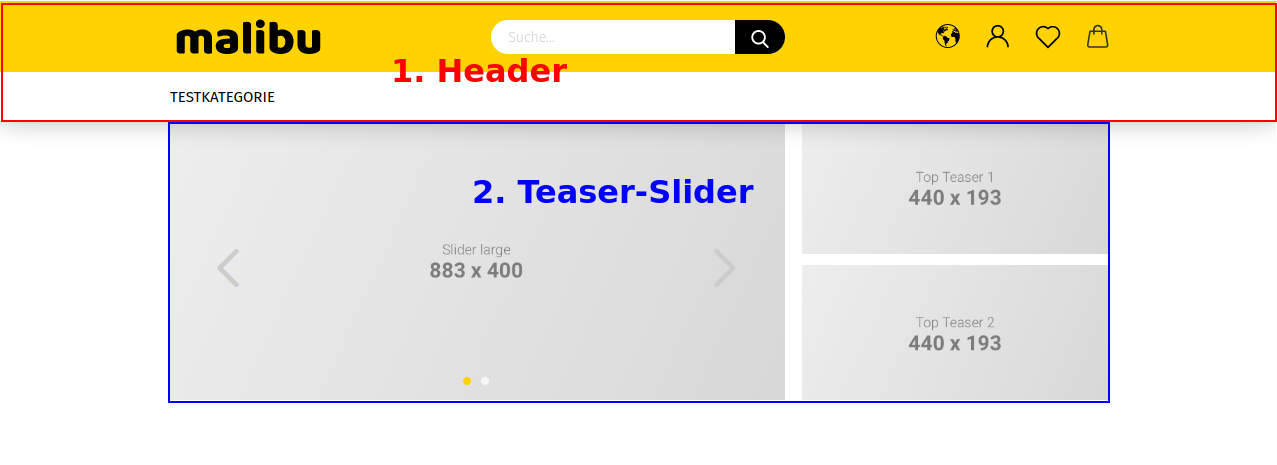
- Header
- Teaser slider
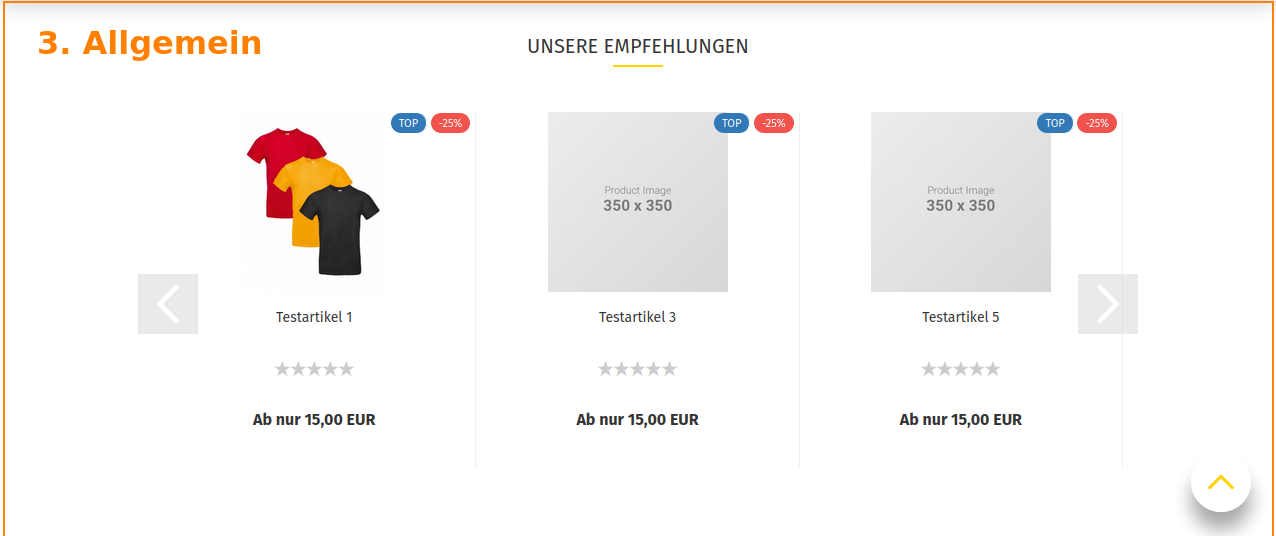
- General
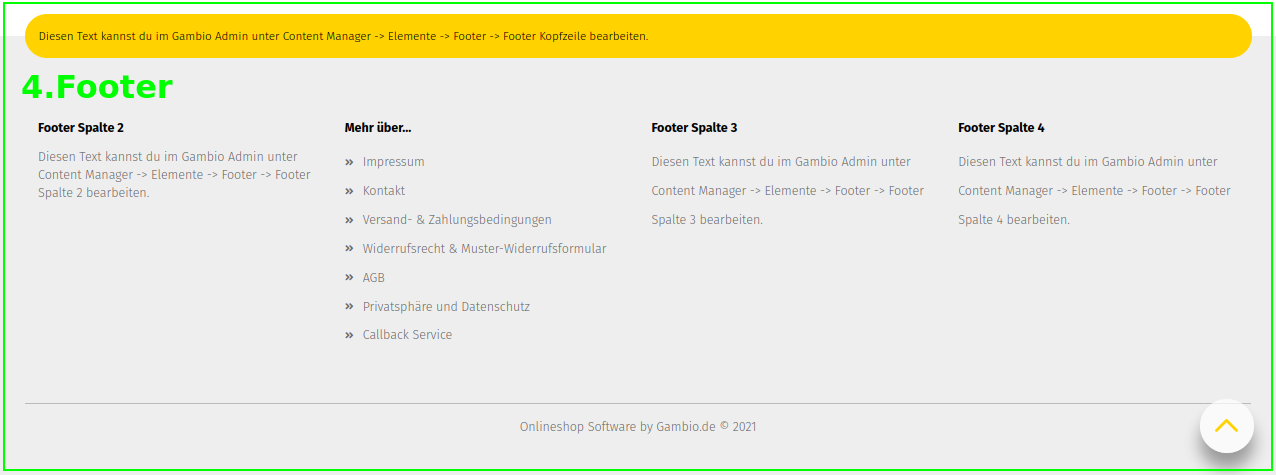
- Footer
Header

- Shop logo
- Search
- Content header
- Shopping cart
- Secondary navigation
- Horizontal category navigation
- Horizontal content navigation (section Main categories in the Content Manager)
Secondary navigation
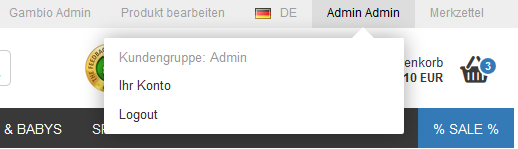
from left to right:
- Gambio Admin: opens the Gambio Admin
- Edit product: edit the currently opened product
- Account button: access to Your account and Logout
Header in Malibu

The header in Malibu differs in its presentation and arrangement of the individual elements.
- The Gambio Admin button is positioned at the top left
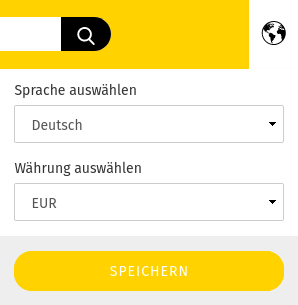
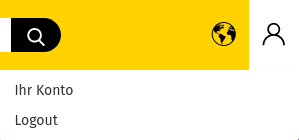
- Individual functions of the secondary navigation are distributed across icons in the so-called secondary column. From left to right, these are localization (language and currency selection), login / your account, wish list and the mini shopping cart.
Note
By default, the currency selection is disabled.
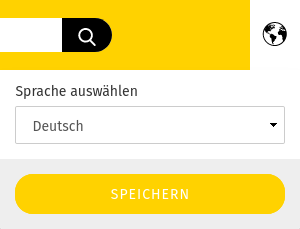
Under Settings / Layout & Design the checkbox for Activate currency selection in top menu can be set to display the currency selection.
General
- Content
- Swiper
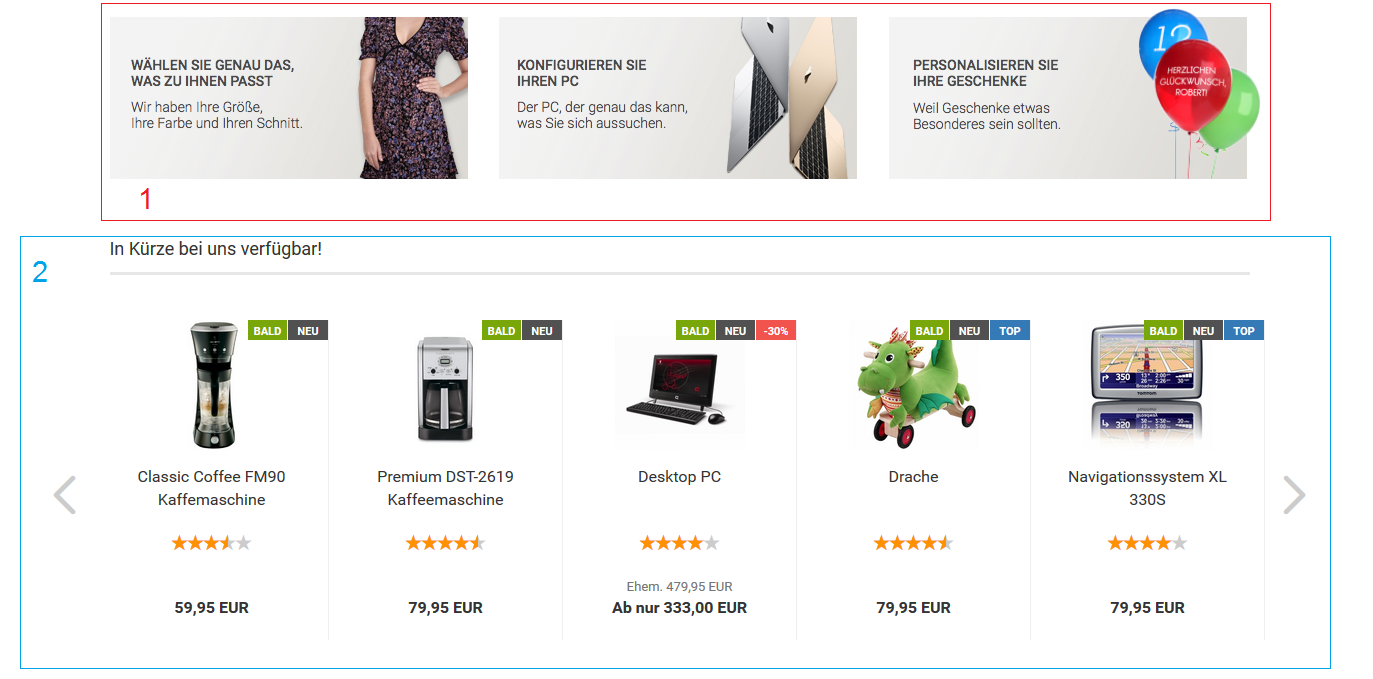
The start page of the shop can be equipped with various contents and product compilations. These are listed alternately, as shown in the figure using the content Index (ID 5) and the product announcements. The latter can be displayed as a so-called swiper, in which the products can be browsed using the forward and back arrows.
The order of the individual contents and product compilations on the start page is as follows:
- Index (ID 5)
- Product announcements
- Free content 1 (ID 4321002): This content is only displayed if there are product announcements on the start page.
- Recommendations: products that have been marked as recommendations
- Index (middle) (ID 10)
- Free content 2 (ID 4321003): This content is only displayed if there are special offers on the start page.
- Special offer products
- Free content 3 (ID 4321004): This content is only displayed if there are new products on the start page.
- New products
- Index (bottom) (ID 11)
Note
Contents refer to information pages. These can be edited or newly created under Content > Content Manager (see also chapter Content Manager).
Footer
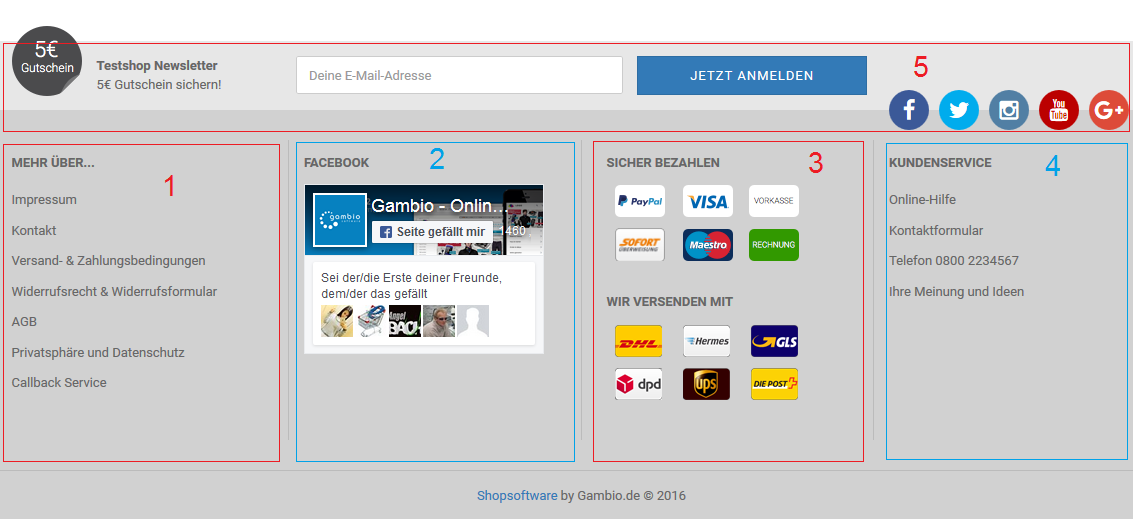
The footer is divided into four independent columns and an area arranged above them:
- Column 1 More about: links to all contents created in the Content Manager in the Info pages section and set to visible
- Column 2: freely configurable via the content Footer 2nd column (ID 4321005)
- Column 3: freely configurable via the content Footer 3rd column (ID 4321006)
- Column 4: freely configurable via the content Footer 4th column (ID 4321007)
- upper area: freely configurable via the content Footer (ID 199)