Deleting product images
Under Toolbox > Delete product images you have the option of deleting product images if required. The original images (directory /images/product_images/original_images) as well as unneeded product images that are no longer assigned to any product can be removed.
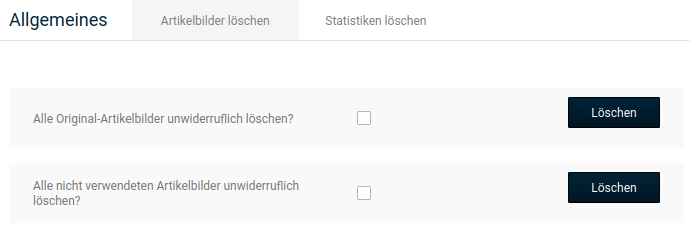
To do this, set the checkmark in the box behind the desired function and click on Delete.
Attention
The original images are used for the image zoom. If these are deleted, the magnification will no longer be available in the previous resolution.
Attention
The images for option values (selection values for product attributes) stored in collections are saved together with the original images. By deleting the original images, the collection images for attributes are also irretrievably removed!