Image options
Note
Changes to the image options are only applied to newly uploaded product images. If changes are also to be applied to already existing product images, the Batch processing for image processing must subsequently be run under Settings / Layout & Design / Image Processing.
Image Processing
Changes made to the settings under Settings / Layout & Design / Image options only ever affect newly uploaded images. To adjust the existing stock of images, the Batch processing for image processing must be carried out under Settings / Layout & Design / Image Processing.
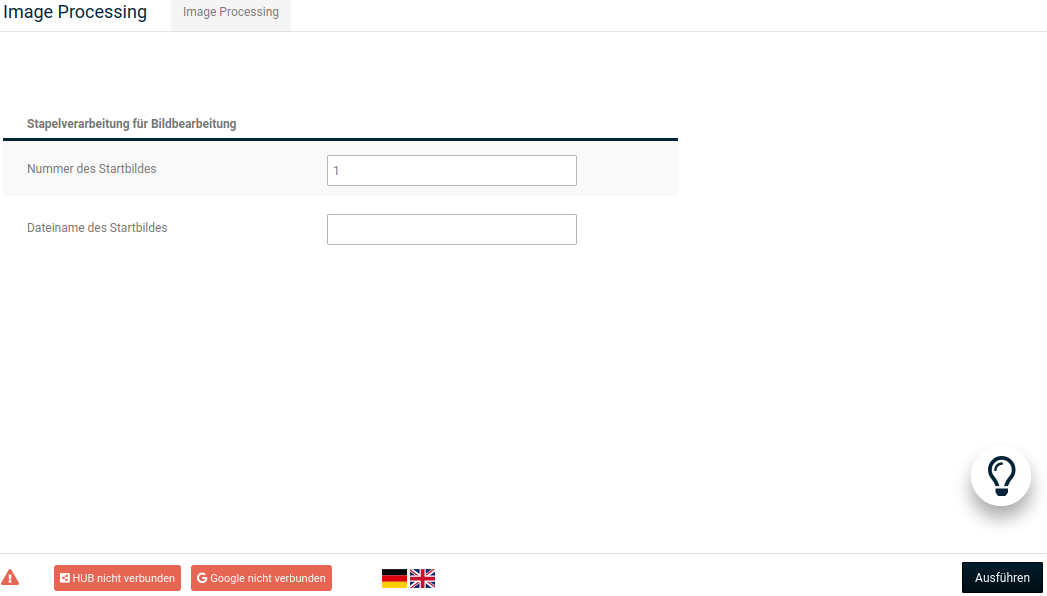
To do this, open the Image Processing tab or press the open button and click on Execute at the bottom right.
Attention
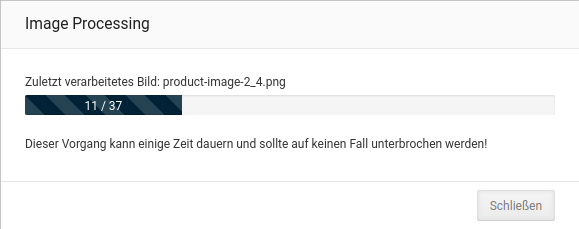
Depending on the number of product images in the shop, this process can take some time. It should never be interrupted prematurely!
If required, you can specify under Number of the start image or File name of the start image that the batch processing skips part of the product images.