Custom error pages
Under Content > Custom error pages, content pages can be defined for the case that an error occurs during the use of the shop.
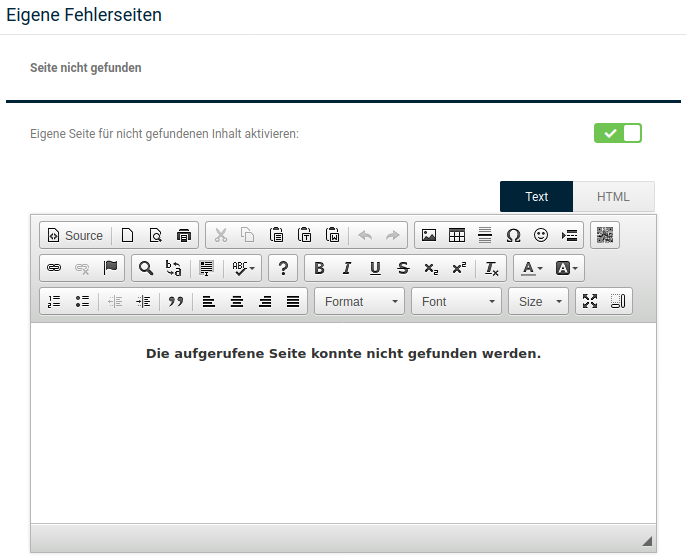
The content of the page can be defined either via the CK editor or, alternatively, an HTML editor, switchable via the Text and HTML buttons. The CK editor is described in the chapter of the same name in the manual.
Page not found
When visitors try to open a page that no longer exists in the shop (or never did), a so-called Error 404 'not found' occurs. Without a custom error page, a redirect to the Advanced search page then takes place.
Set the checkmark Activate custom page for not-found content and confirm this by clicking Save if you want to use the custom error page for not-found pages.
Unexpected error
Besides opening a page that no longer exists (or never did), other error messages from various causes can also occur. To use a custom error page here, set the checkmark for Activate error page for unexpected errors and confirm this by clicking Save.
Note
Via the placeholder ##ERROR_CODE## you can have the error code of the error that occurred displayed on the custom page.